Whole Library Download
Every Generated Image & Video — Organized by Conversation
Favorites only capture what you remembered to like. Whole Library Download archives your complete Grok Imagine library — every image, every video — grouped into one folder per conversation, named with the prompt that actually created them.
Grok changed its media backend in July 2026
Grok migrated to a new conversation-and-asset model. The endpoints that older extension versions depended on no longer back the Saved and media library views, which means versions before v2.5.0 cannot detect newly generated images and videos. Version 2.5.0 is a complete adaptation to the new backend — and Whole Library Download is what that new API made possible.
Install the latest version from the Chrome Web Store
Reload the extension in chrome://extensions, then refresh your Grok tab
Generate your download list once more so the new naming rules, merged tags, and prompts recovered from the generating conversation apply
Core Features
A download source built for people who want the whole archive, not a curated slice of it.
Complete Library Scan
Reads your full asset list instead of the favorites subset. Nothing you generated is left behind because you forgot to like it.
Conversation Folders
One folder per conversation, so a source image and every video generated from it land together instead of scattered across a flat directory.
Independent History
Whole-library downloads keep their own deduplication record. Archiving everything never marks your favorites as already downloaded.
Early-Stop Date Filter
Scans newest-first and stops as soon as it passes your window. Filtering by date doesn't force a walk through your entire library.
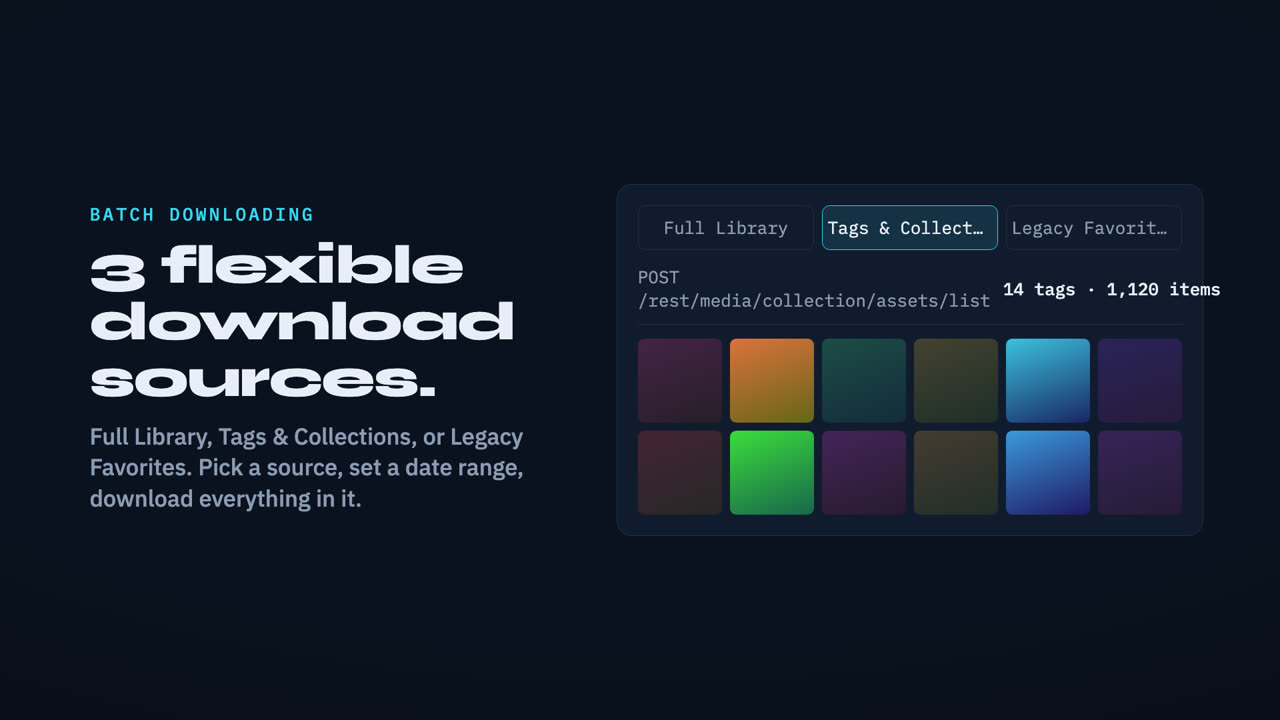
Three Sources, Three Jobs
v2.5 separates the download source from the date filter. Pick where media comes from, then filter it — the two no longer fight each other.
| ⭐ Favorite | 🏷️ Tag | 📦 All Media New in v2.5 | |
|---|---|---|---|
| What it covers | Items you liked | One Grok tag/folder | Your entire library |
| Folder layout | Flat / by date | tags/{tagName}/ | yyyymmdd_prompt_id/ |
| Video prompt filenames | — | ✓ since v2.5.6 | ✓ |
| Download history | Own record | Own record | Own record |
| Date filter | ✓ | ✓ | ✓ with early stop |
| Best for | Curated picks | One project theme | Full local archive |
⚠️ Whole-library downloads can be large. Favorites and tags stay curated — the new source is for when you deliberately want everything.
How Whole Library Download Works
Four steps, with visible progress at every stage.
Pick Your Source
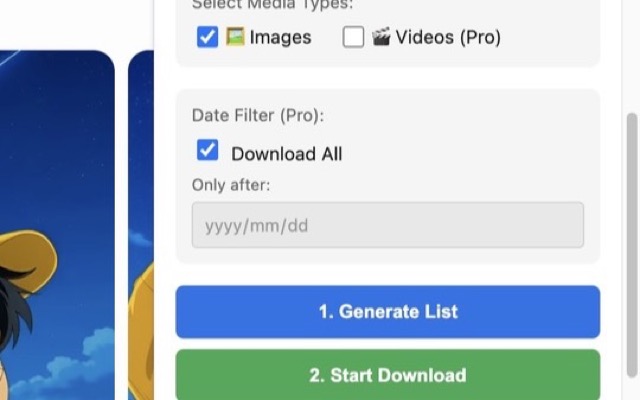
Open the extension on your Grok Imagine page and choose "All Generated Media (by Conversation)" in the Download Source selector. Optionally set a recent-hours window or a date range.
Generate the List
The extension scans your library newest-first, resolves each video's quality tier, and prepares conversation folders. Progress is reported at each stage — scanning, resolving quality N/M, preparing folders N/M.
Review the Summary
A summary shows how many images and videos will be downloaded versus already done, with videos broken out by 1080p, HD, 720p and SD so you know exactly what you're about to fetch.
Download & Archive
Files download into per-conversation folders with prompt-based names. Interrupted downloads are tracked so a retry fetches only what's missing, never re-downloading what completed.
Technical Highlights
Adaptive Throttling & 429 Backoff
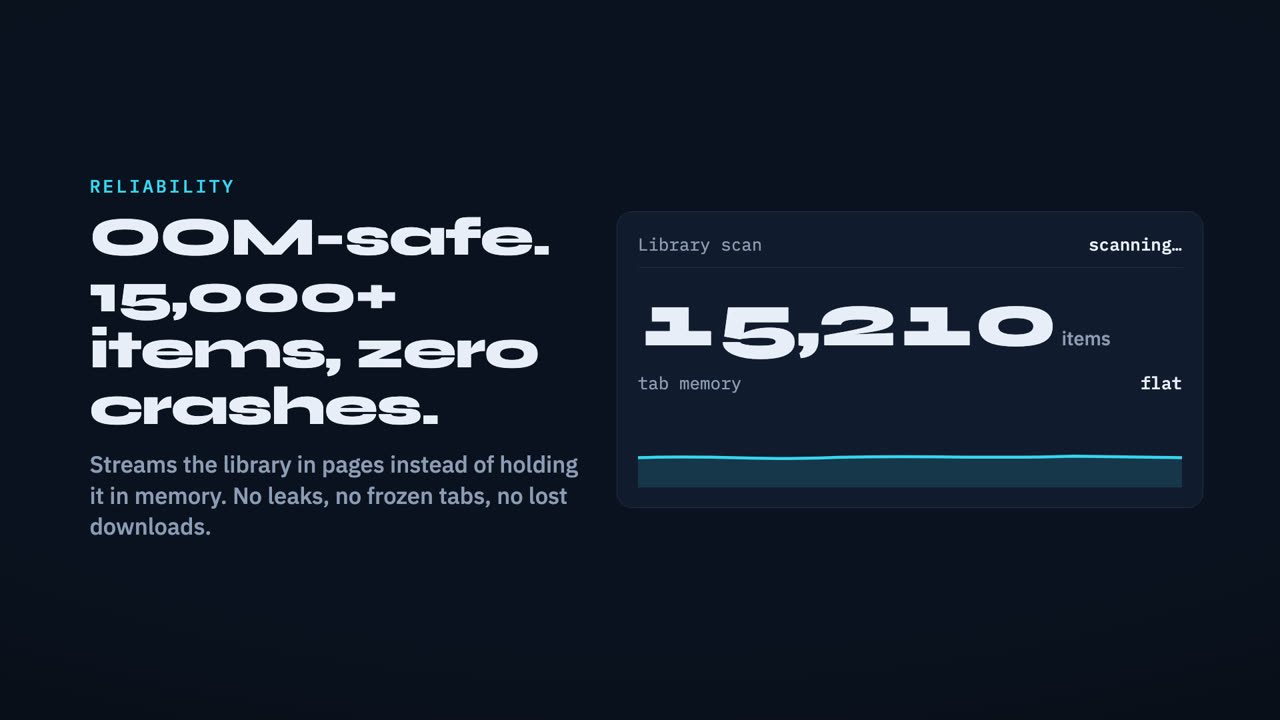
Scan rate adjusts to server response, with rate-limit backoff. Libraries of 8,000+ assets can be scanned end to end without breaking off midway.
Concurrent Quality Resolution
Video quality is resolved with bounded concurrency and a live counter, cutting a step that used to take several minutes down to roughly one.
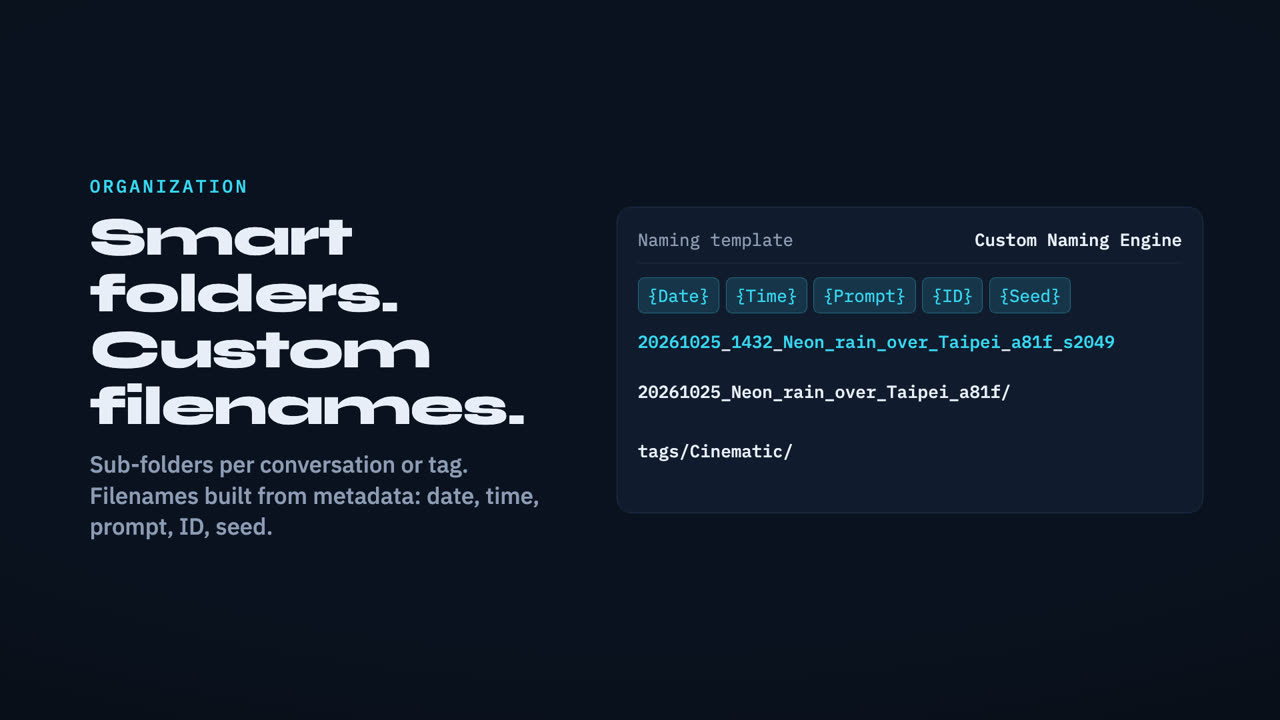
Real Prompt Filenames
Images use their own generation prompt; a video uses its own animation prompt, or borrows the source image’s when it has none — recovered from the generating conversation since Grok’s September change removed prompts from the media list.
Batched Conversation Titles
Titles are fetched in batches for only the conversations actually needed, instead of paging through your whole conversation list.
1080p Is Now Its Own Tier
Downloads take the best available quality, statistics break out every tier, and upgrades move one step at a time.
SD
Baseline output. Upgradeable to HD without a paid Grok plan.
HD / 720p
The standard upgrade target. Reachable from SD in one step.
1080p
Highest tier. Requires SuperGrok Heavy and an explicit opt-in.
Opt-in, never surprise-billed
1080p upgrades need a paid plan, so the checkbox is off by default. With it unchecked the extension sends no 1080p requests at all and only performs SD to HD upgrades — but the confirmation dialog still tells you how many videos could go to 1080p, so they never silently disappear. If your account turns out to lack the entitlement, the extension detects it once and stops issuing further 1080p requests instead of spinning.
Upgrade scans that finally converge
Grok returns the HD media URL for freshly generated videos inconsistently, which made the same video read as SD on one scan and HD on the next — so repeating "upgrade the last N hours" gave a different answer every time. v2.5 remembers the highest quality ever resolved per video and never downgrades on an incomplete read. Records expire after 30 days, are capped in count, and self-clear if a remembered URL turns out to be dead. Videos that couldn't be checked at all due to rate limiting are excluded and reported rather than mistaken for SD.
Upgrade the whole library, not just favorites
The upgrade feature gained its own source selector — Favorite or Whole Library — so you're no longer limited to upgrading videos you remembered to like. The confirmation dialog breaks down your library by SD, HD/720p and 1080p and states exactly how many will be upgraded in this run. A whole-library scan can be stopped partway if it's taking longer than you want.
Troubleshooting
The five problems we hear about most, with the fix that resolved them in practice. All of them trace back to Grok's 2026 backend changes rather than to a broken setting.
Generate List finds nothing, or misses my newest images
HD Upgrade says every video is already upgraded
Filenames, folder names or metadata.json have no prompt in them
A tag I created in Grok is missing, or a tag downloads only one file
I lost my files and the extension says everything is already downloaded
Still stuck? The FAQ covers more cases, and the Contact Support button in the footer reaches a human.
Frequently Asked Questions
Everything you need to know about Whole Library Download
What is Whole Library Download?
Whole Library Download is a download source introduced in GrokMediaDownloader v2.5 that fetches every generated image and video in your Grok Imagine library, not only the items you marked as favorites or filed under a tag. In the extension popup it appears in the Download Source selector as "All Generated Media (by Conversation)", alongside the existing Favorite and Tag sources. Because it reads your complete asset list rather than a curated subset, it is the right choice when you want a full local archive of everything you have generated. Files are grouped into one folder per conversation, so the images that started a thread and the videos generated from them end up together instead of scattered across a flat download directory.
How is Whole Library Download different from Favorite and Tag downloads?
The three sources answer different needs and are fully independent of one another. Favorite downloads only the items you have liked in Grok, which keeps the set small and curated. Tag downloads everything filed under a specific Grok tag or folder, and organizes output under tags/{tagName}/. Whole Library ignores both filters and covers your entire generated library, organizing output by conversation instead. Critically, each source keeps its own separate download history, so downloading your whole library never marks your favorites as already downloaded, and vice versa. You can run all three over time without one polluting the deduplication records of another, which was a common source of confusion before v2.5.
How are folders and filenames decided?
Each conversation becomes one folder, named using the pattern yyyymmdd_prompt_shortID. When a conversation has no title, the extension falls back to that conversation's prompt rather than labelling the folder "untitled", which keeps folders meaningful when you browse them months later. Since September Grok no longer sends prompts with the media list, so from v2.5.6 the prompt is recovered from the conversation that generated the item: a video uses its own animation prompt, or borrows the source image's when it has none. A persistent prompt cache stores what it recovers, so a whole-library regenerate drops from minutes to seconds. Prompts are fetched only when your filename or metadata settings actually use them, and after you change one of those settings the popup asks you to regenerate the list. If you prefer machine-style names, the Grok Native filename mode produces grok_image_YYYYMMDD_id. metadata.json also records userId, and video filenames match the generated list, carrying the same short-id suffix.
Why did my extension stop finding newly generated Grok media?
In July 2026 Grok migrated to a new conversation-and-asset media backend. The older endpoints that previous extension versions relied on no longer back the Saved and media library views, so versions before v2.5.0 cannot see images and videos created after that migration. GrokMediaDownloader v2.5.0 is a full adaptation to the new backend and restores detection of newly generated media. After updating, open chrome://extensions, reload the extension, and refresh your Grok tab. You should also regenerate your download list once, so the merged tag results and the prompts v2.5.6 recovers from the generating conversation are picked up; prompt-based filenames and the conversation folder rules are written during the Generate List step and are not applied retroactively to a list built by an older version.
Can I filter a whole-library download by date?
Yes. The Whole Library source supports the same date filtering as other sources, covering both a recent-hours window and an explicit date range. The scan walks your library newest-first and stops early once it passes the end of your selected window, so filtering by date does not force a scan of your entire library before results appear. This matters for large accounts: combined with adaptive throttling and 429 rate-limit backoff, libraries of 8,000 or more assets can be scanned end to end, but a narrow date filter finishes far sooner. The Generate List button reports progress through scanning, video quality resolution, and folder preparation so you can see which stage is running.
What does 1080p support add in v2.5?
Version 2.5 recognizes 1080p as a distinct quality tier throughout the extension. Downloads automatically select the highest available quality, preferring 1080p over HD over the original file. Scan statistics break out how many videos sit at SD, HD/720p, and 1080p rather than collapsing everything into SD and HD. The upgrade feature can now raise videos one tier at a time, from SD to HD and from 720p or HD to 1080p. Upgrading to 1080p requires a paid Grok plan, specifically SuperGrok Heavy, so it is behind an explicit opt-in checkbox that is off by default. With the box unchecked the extension sends no 1080p requests at all.
Why did repeated upgrade scans previously return different results?
Grok's server returns the HD media URL for freshly generated videos inconsistently — querying the same video twice within seconds could return the field once and omit it the next time, even though the resolution field stayed stable. That made the same video look like SD on one scan and HD on another, so running "upgrade the last N hours" repeatedly produced a different result every time. Version 2.5 adds an upgrade-only quality memory that records the highest quality ever resolved for each video and never downgrades it when a later query comes back incomplete. Records expire after 30 days, are capped in count, and are cleared automatically if a remembered URL turns out to be dead.
Is Whole Library Download available in the free version?
Yes — since v2.5.1 the download source selector is free for everyone, because nobody should be stuck on a source that cannot see their own media. Free users can select "📦 All Generated Media (by Conversation)" and download everything from the last 7 days; the extension states this window up front rather than silently truncating your results. GrokMediaDownloader PRO, a one-time $4.99 purchase with a lifetime licence, removes the time limit so you can archive your complete library, and unlocks date filtering (a specific range or a recent-hours window). PRO also covers Stream Capture, Story Mode Helper, unlimited Video Gen Queue, Project-Based Download, HD and 1080p upgrade, and data export and import. All processing happens locally in your browser — no data is collected and nothing is uploaded.
Known limitation: assets you uploaded yourself, or that carry no generation info, have no prompt or conversation on the server. Those are filed under their asset ID.
Archive Your Entire Grok Library
Free for the last 7 days — PRO unlocks your complete library
✨ Includes all future updates
Explore More Features